Building Android Farms on Real Devices + OCR Automation
Building Android farms, OCR automation, and scalable workflows on real devices.
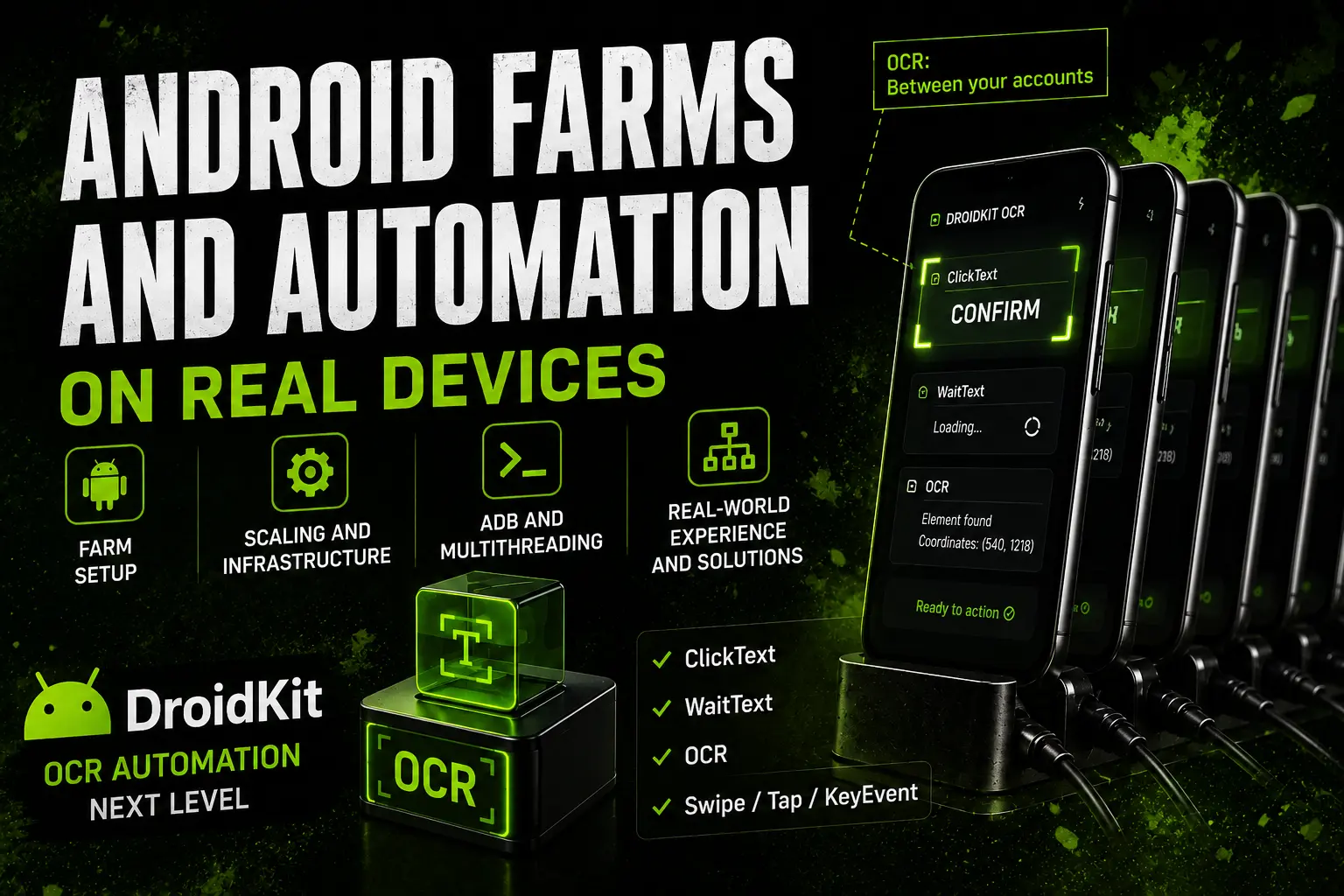
Most people start working with real devices in roughly the same way.
First, they buy phones based on intuition, without fully understanding which devices are actually suitable for their needs. Then they build automation using coordinates, XML, or, at best, image-based element detection. And when they first try to scale, they run into real-world problems:
- automation becomes increasingly unstable;
- approaches that initially seemed convenient start breaking as the system grows and applications get updated;
- software constantly requires fixes, adjustments, and handling of new situations;
- different phone models begin behaving differently in exactly the same scenarios;
- the system gradually accumulates workarounds, checks, bypasses, and temporary solutions.
As a result, automation becomes more complex, slower, and requires increasingly more maintenance.
At some point, it becomes clear: working with real devices is not a collection of separate solutions, but a complete operational system.
Stability does not depend on a single successful setting, command, or method, but on the overall approach to the entire infrastructure.
After encountering these problems in practice and finding solutions to them, I eventually created this course:
From the physical organization of an Android farm to reliable OCR automation and convenient device management through DroidKit.
So, let's start from the beginning.
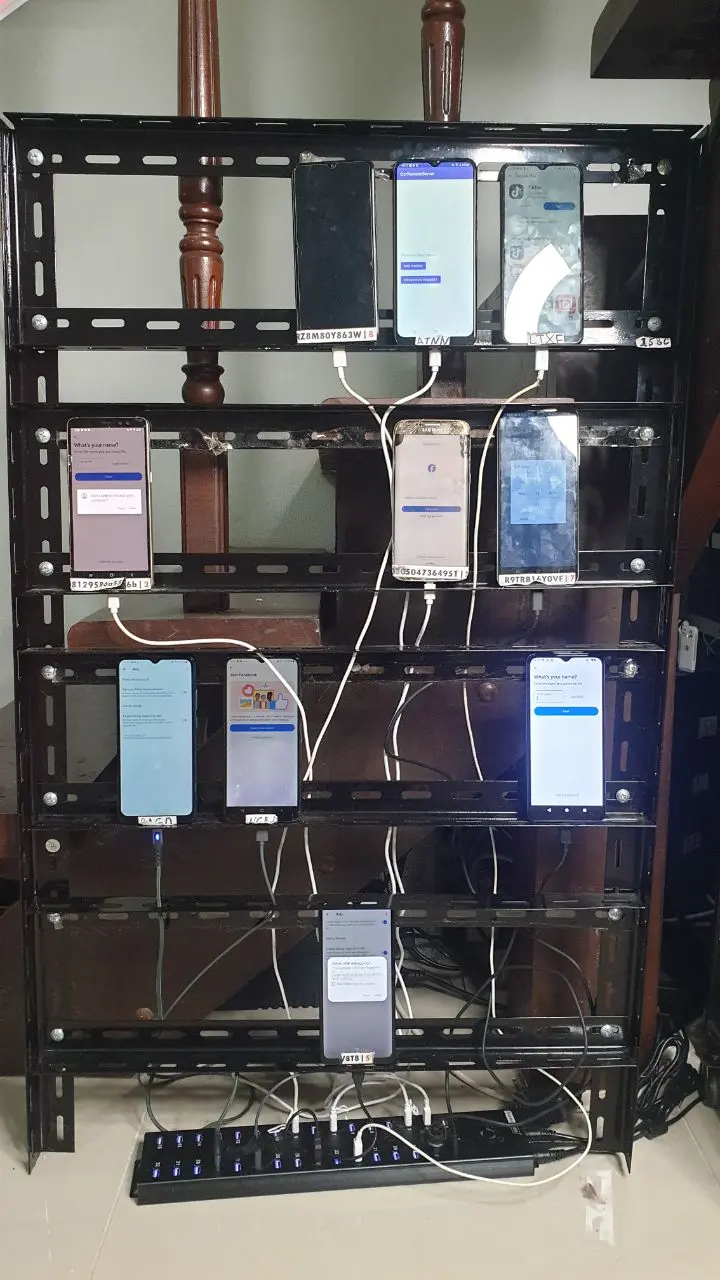
Device connections, USB hubs, power management, multithreading, hardware differences between phones, farm organization, and even the physical placement of devices — all of these factors eventually begin to directly affect the stability of the entire system.
And as the farm grows, each part of the system becomes increasingly dependent on the others.
A working Android farm is no longer just a collection of phones — it's a complete infrastructure.
That's why the first part of this course focuses on how to properly build and organize an Android farm before scaling issues, limitations, and instability begin to appear.
What You'll Learn in the First Part of the Course
The course covers in detail:
- which phones are actually worth buying for long-term stable operation and where spending more money brings no real advantage;
- what should be planned in advance to prevent the system from becoming fragile as the number of devices grows;
- how to organize multithreaded workflows correctly and avoid conflicts between devices;
- why USB hubs, power delivery, and device placement have a direct impact on system stability;
- how many phones a single PC can realistically handle;
- the real-world problems that appear when operating Android farms at scale.
Along with many other practical lessons that usually become important not during the first few launches, but later — when it's time to scale.
Most Android Automation Problems Don't Appear at the Beginning
In most cases, the real problems start later — when everything seems to be working, and you're ready to expand, increase volume, and grow the system further.
That's why the course also covers topics that are usually left out of most discussions:
- device instability during long-term operation;
- what data spoofing actually achieves in practice — and what it doesn't;
- how overrated root access often is;
- important details that people usually discover only after wasting significant amounts of time, money, and effort.
Many Android farm problems become visible only when the system starts scaling for real.
What's Inside the Theoretical Part
Below you can open the full video course structure: from quick start and ADB to choosing phones, root access, proxy setup, scaling, and real-world Android farm operation.
0. Quick Start Guide
- Preparing your phone for work: essential settings without which nothing will function properly.
- Setting up ADB connectivity.
- Important parameters that affect overall stability.
- Connecting a phone to a PC and verifying communication.
- Phone connection methods: USB vs Wi-Fi and their differences.
1. How Android Device Automation Works
- The overall logic behind communication between a PC and a phone.
- The core principle on which the entire automation system is built.
2. Working with ADB: Device Management and Multithreading
Device Management
- Obtaining a device ID and why it matters.
- Working with a specific phone through its ID.
- Essential ADB commands and practical use cases.
Managing Multiple Devices
- Why device IDs become critical when working with multiple phones.
- How to send commands to different devices.
- The principles of operating multiple phones simultaneously.
Multithreading Fundamentals
- Why conflicts occur when working with multiple devices.
- The principle: one thread — one phone.
- How to avoid conflicts and instability.
3. Choosing Phones: Hardware Selection, Economics, and Practical Experience
- Which Android versions are truly suitable for stable long-term operation.
- Which phones are worth buying and where spending more brings no practical benefit.
- How to build an Android farm cheaper than most people do.
- What actually matters in practice, not just in theory.
4. Root Access: When It Helps and When It Doesn't
Important: Root is a tool, not a mandatory requirement. In most cases, its impact is greatly overestimated.
- Does rooting always provide an advantage?
- Data spoofing and its actual impact on results.
- Why root introduces additional risks and complexity.
- Root hiding and when it becomes necessary.
5. Phone Proxying Methods: What Actually Works
- Application-level proxying: the primary approach.
- System-level proxying using root access.
6. Scaling an Android Farm
- When adding more phones stops being straightforward.
- Why USB hubs matter and how to choose the right one.
- Power delivery as a key factor in stability.
- Convenient ways to monitor and manage devices.
7. Farm Organization
- How to physically arrange phones for efficient operation.
- How to stay organized when managing large numbers of devices.
- Core principles that prevent your farm from turning into chaos.
- Practical tips and lessons learned from real-world experience.
8. Performance and Limitations
- How many phones a single computer can realistically handle.
- A real-world farm configuration example.
- How workload is actually distributed in practice.
- Why a phone farm is fundamentally different from emulators.
9. Data Spoofing
- Approaches to data spoofing independent of specific tools.
- Where data spoofing genuinely makes sense.
- Situations where spoofing produces little or no real benefit.
- Working with temporary device parameters.
10. Real-World Operation
This is the part people rarely talk about, yet it's essential for operating an Android farm successfully.
- How long phones actually last.
- What typically fails.
- How hardware issues affect the entire system.
11. What Actually Affects Results
- Common misconceptions.
- What doesn't improve results in practice.
- Why these mistakes waste both time and money.
- How to test ideas and assumptions correctly.
Some lessons are provided in text format rather than video.
But automation itself is only the next stage.
When Traditional Automation Methods Stop Scaling
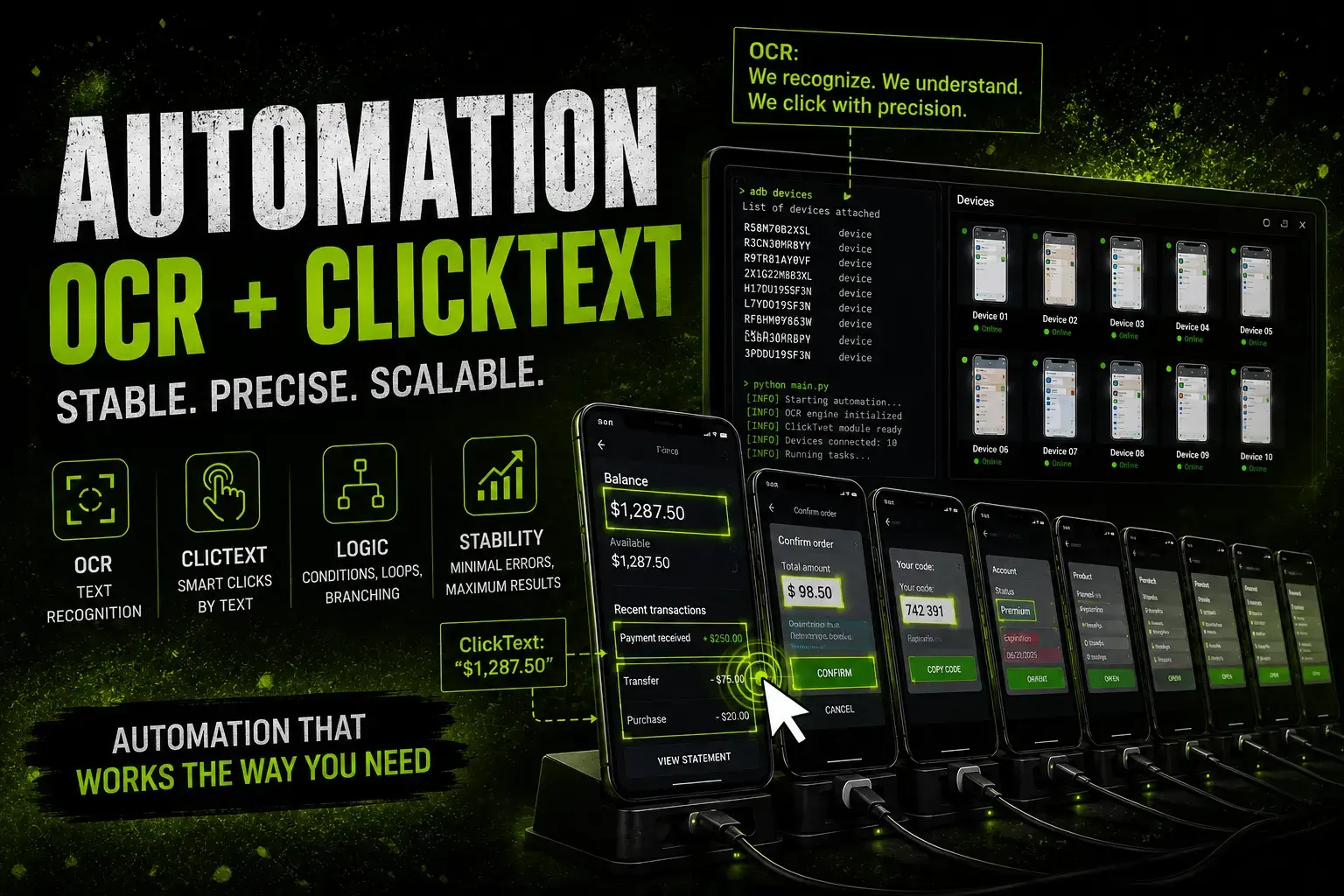
Over time, I realized that if an Android farm is going to remain stable and scalable, the automation approach itself has to change.
This is not about specific coordinates, XML, or a few separate methods.
It's about how automation understands where and when it needs to perform an action.
It gradually became clear that classic automation approaches run into fundamental limitations, and endlessly adding more checks, exceptions, and workarounds simply stops making sense.
That's when I started building my own OCR-based approach — one that works not with predefined coordinates, but with the current state of the screen.
The main idea was to make automation interact not with templates or fixed points, but with what is actually displayed on the phone screen at that exact moment.
Regardless of:
- device model;
- screen resolution;
- interface differences;
- and other device-specific details.
This is how my own OCR application gradually appeared — capable of working with the live screen state in real time.
Later, this became the foundation for DroidKit — a ready-to-use base for building more stable and more universal automation on real Android devices.
ClickText Method Demonstration
The core OCR method of DroidKit in action:
What DroidKit Brings to Your Automation
The main idea behind DroidKit is not to add just another automation method, but to reduce the complexity of the entire system.
Instead of relying on:
- endless coordinates;
- image matching;
- separate checks for every screen;
- workarounds for different devices;
- constant fixes and software maintenance —
automation starts being built around interaction with the text displayed on the screen.
In other words, DroidKit lets you work not with predefined coordinates or screenshots, but with what is actually visible on the phone screen right now.
This is why many automation scripts can gradually become:
- simpler;
- more stable;
- easier to maintain;
- and much more convenient to scale.
DroidKit is a ready-to-use foundation for OCR automation, without having to build the entire screen interaction layer from scratch.
What DroidKit Methods Are Built For
ClickText
Allows you to click text that appears on the phone screen. Most of the OCR automation logic in DroidKit is built around this method.
In practice, ClickText can replace a large number of coordinates, checks, and image matching steps.
WaitText
Allows the system to understand when the required text has actually appeared on the screen. This is especially important in long and unstable scenarios where ordinary delays eventually start breaking automation.
OCR
Allows you to receive text and element coordinates directly from the phone screen in real time — and then use them for any further automation logic.
Swipe / Tap / KeyEvent
Basic device control methods integrated into the same OCR-driven automation system.
Reviews and Real User Feedback
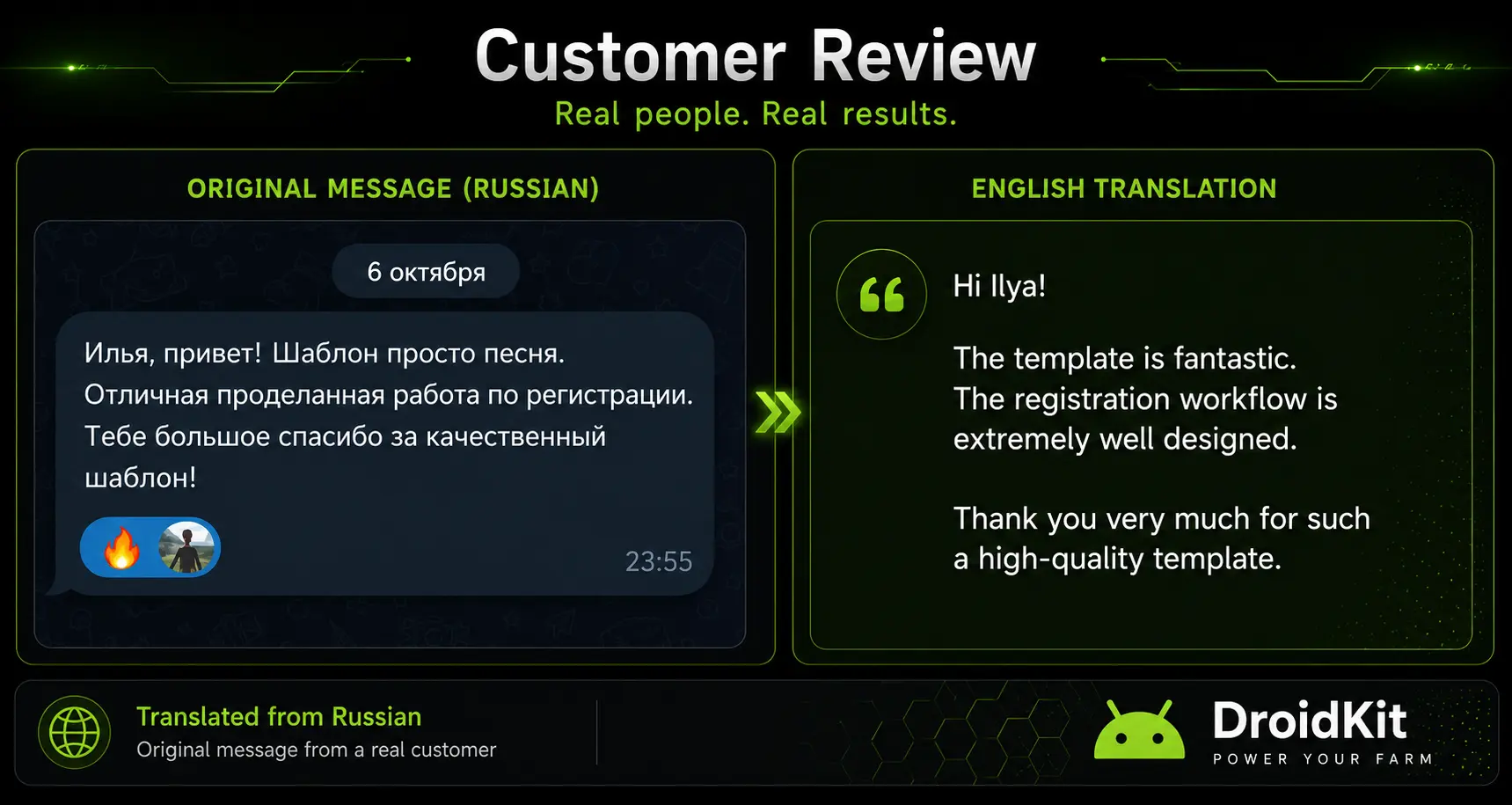
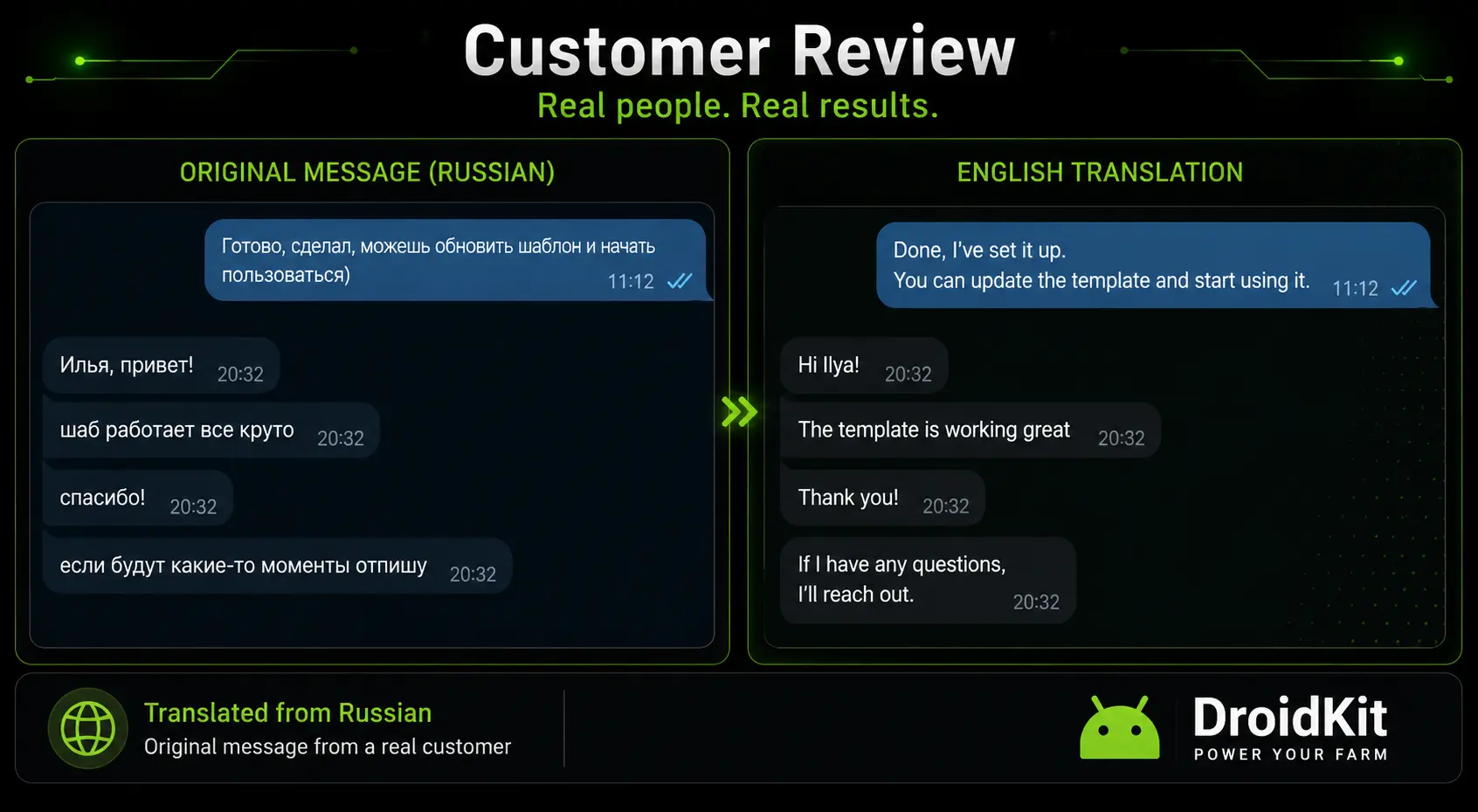
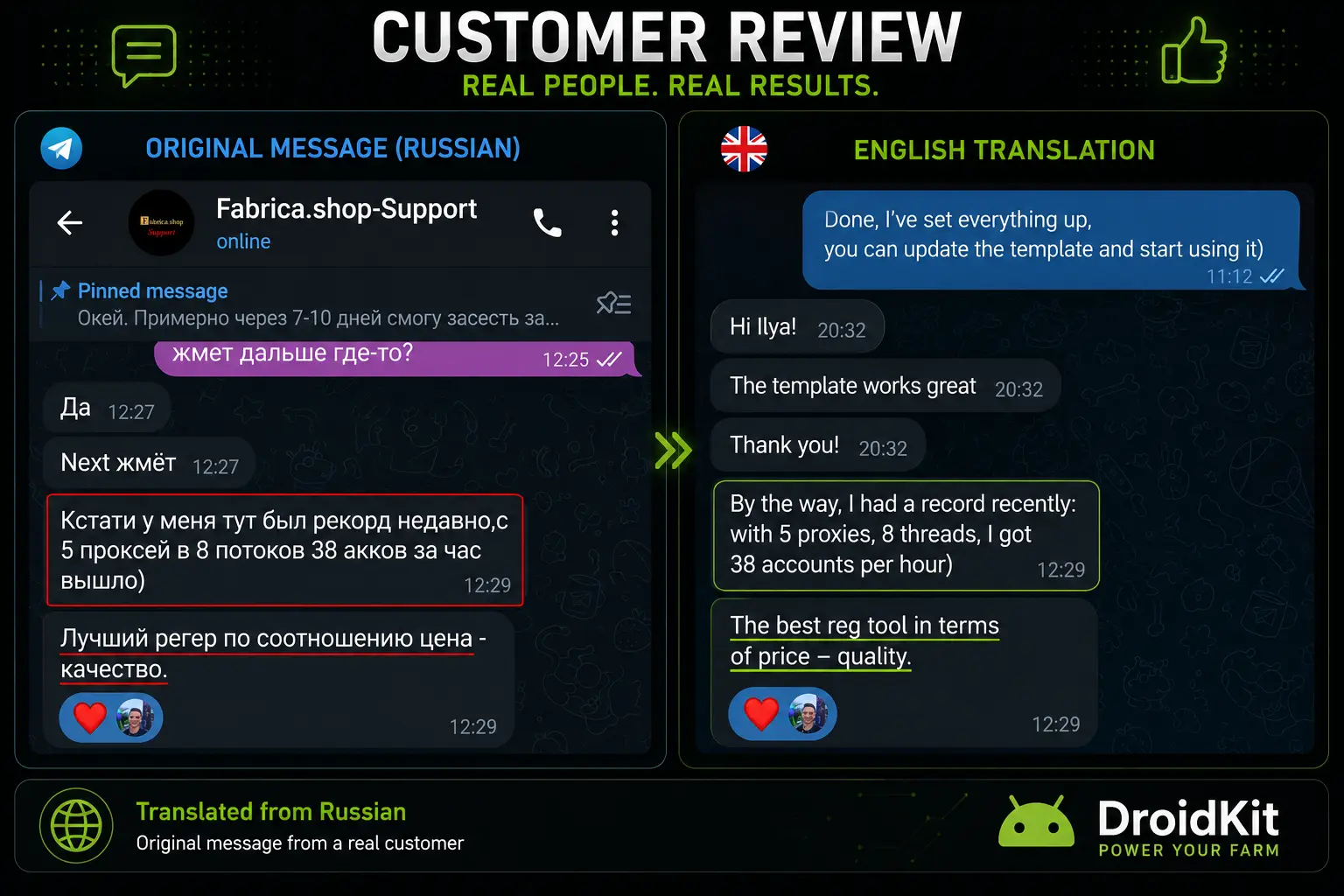
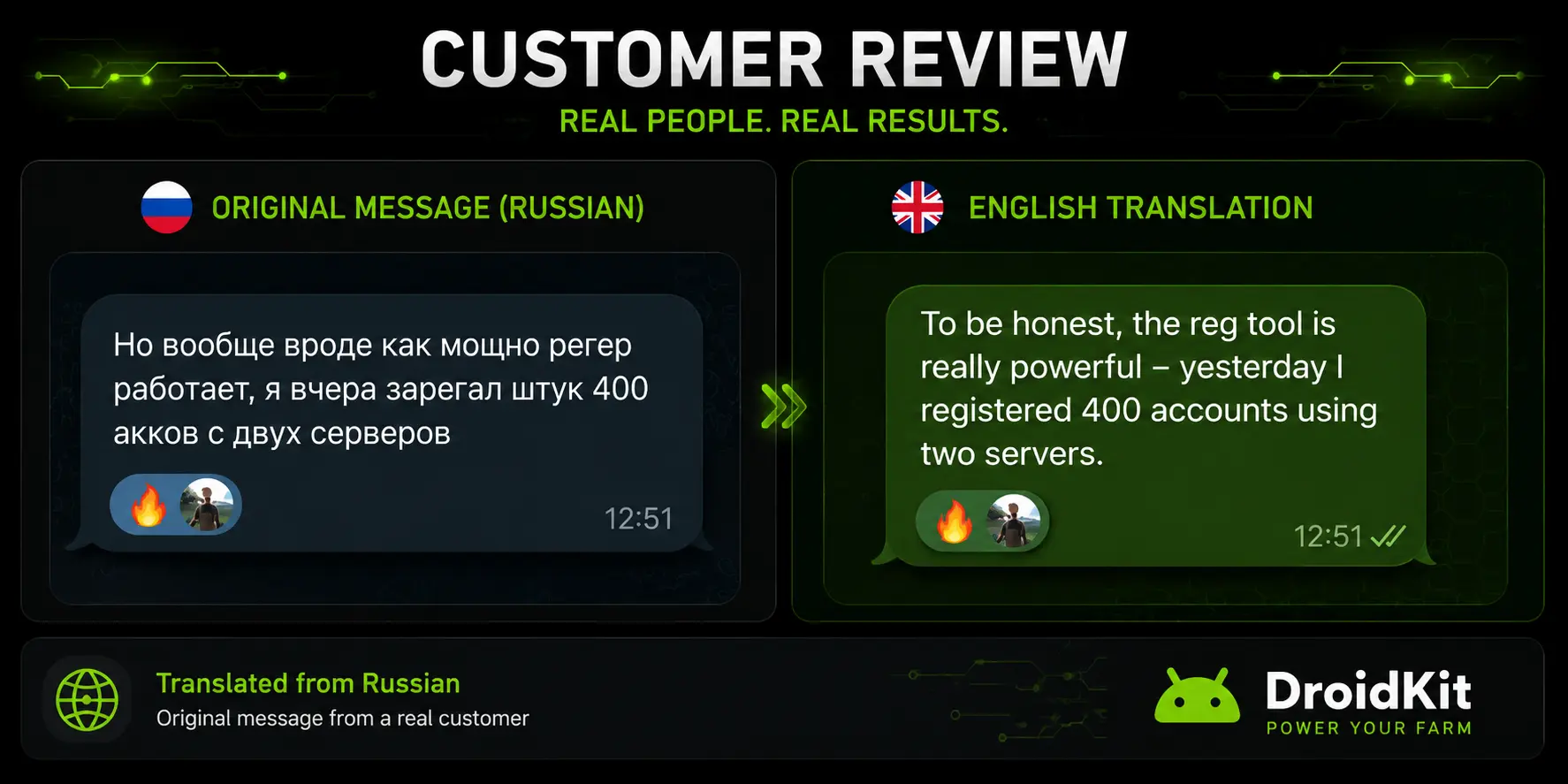
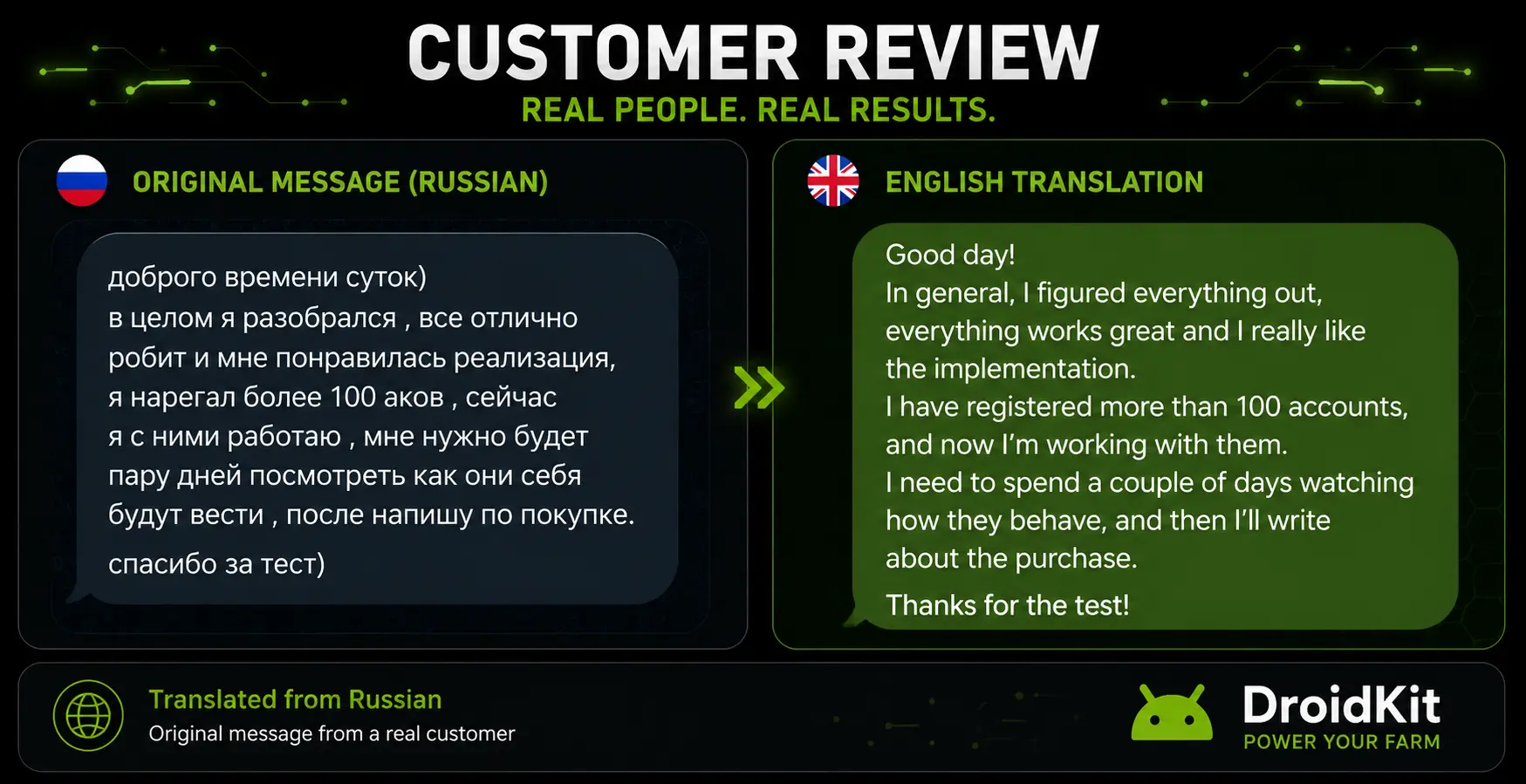
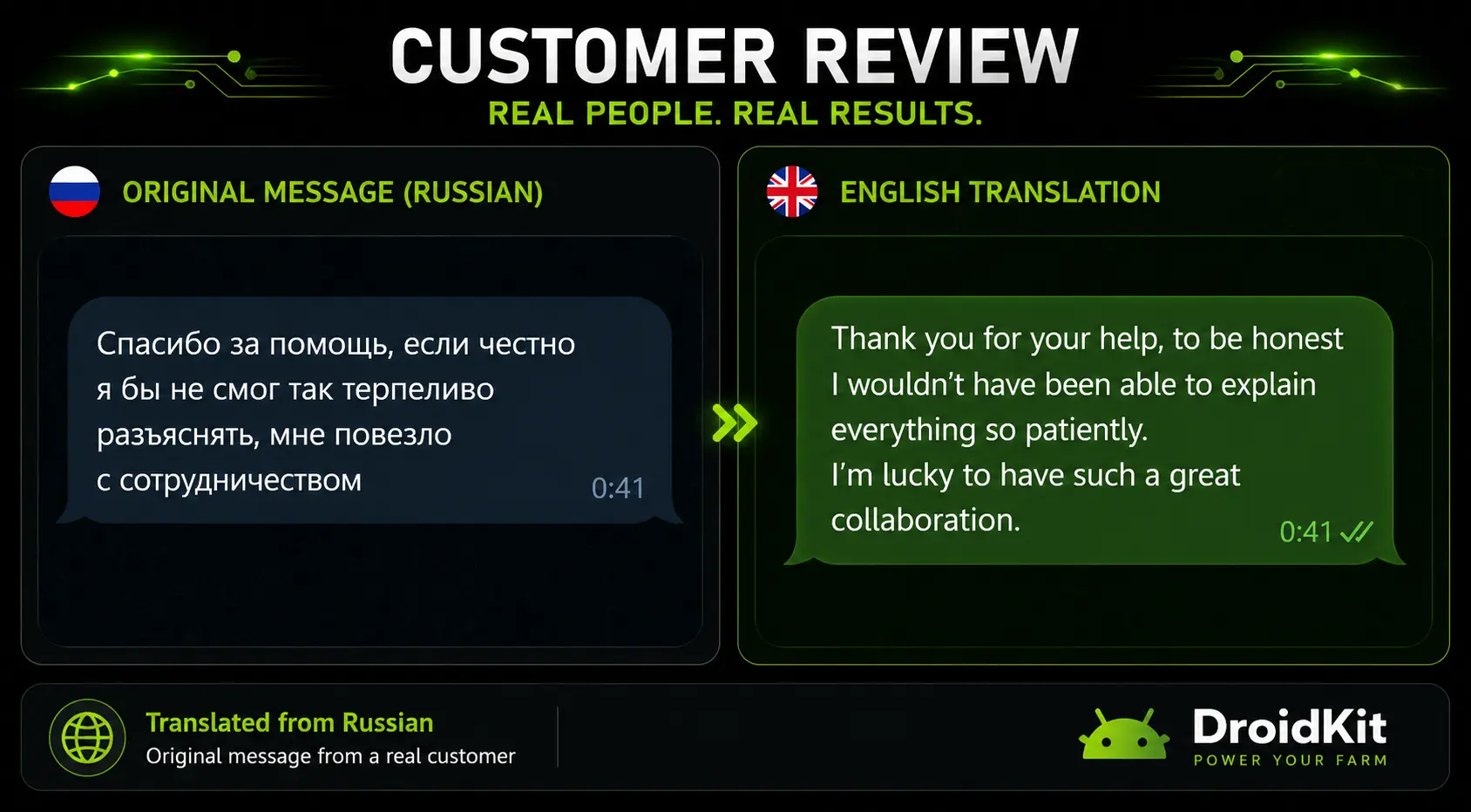
Over the past few years, many people from different niches have worked with my templates, automation tools, and Android device workflows.
Below are a few examples of real conversations, feedback, and messages from people who have used my automation solutions.
Who This Is For
Let's separate the two parts of the system.
Android Farm Course and Infrastructure Setup
This part is primarily for those who:
- already work with Android phones or are planning to start;
- want to build their own farm on real Android devices;
- want to understand how Android farms are organized, scaled, and operated in practice;
- want to avoid typical mistakes, unnecessary expenses, and problems during scaling;
- want to understand the real-world details of root access, data spoofing, devices, and infrastructure;
- want to see how these systems are actually organized in practice, not just in theory.
Most Android farm problems do not appear during the first launches, but later — when the system starts growing and you try to scale it.
DroidKit and OCR Automation
This part is primarily for those who:
- already have their own software for working with phones;
- are just starting to build their own automation system;
- want to make Android device automation more stable, flexible, and universal;
DroidKit is especially useful for those who don't want to build the entire screen interaction layer from scratch and are tired of constant checks, fixes, and device-specific workarounds.
It is also for those who:
- want to reduce the complexity of automation maintenance;
- want to depend less on differences between phones, resolutions, and interfaces;
- are tired of constantly fixing and repairing automation after app updates;
- want to build a more stable automation system that is easier to scale.
Access Options
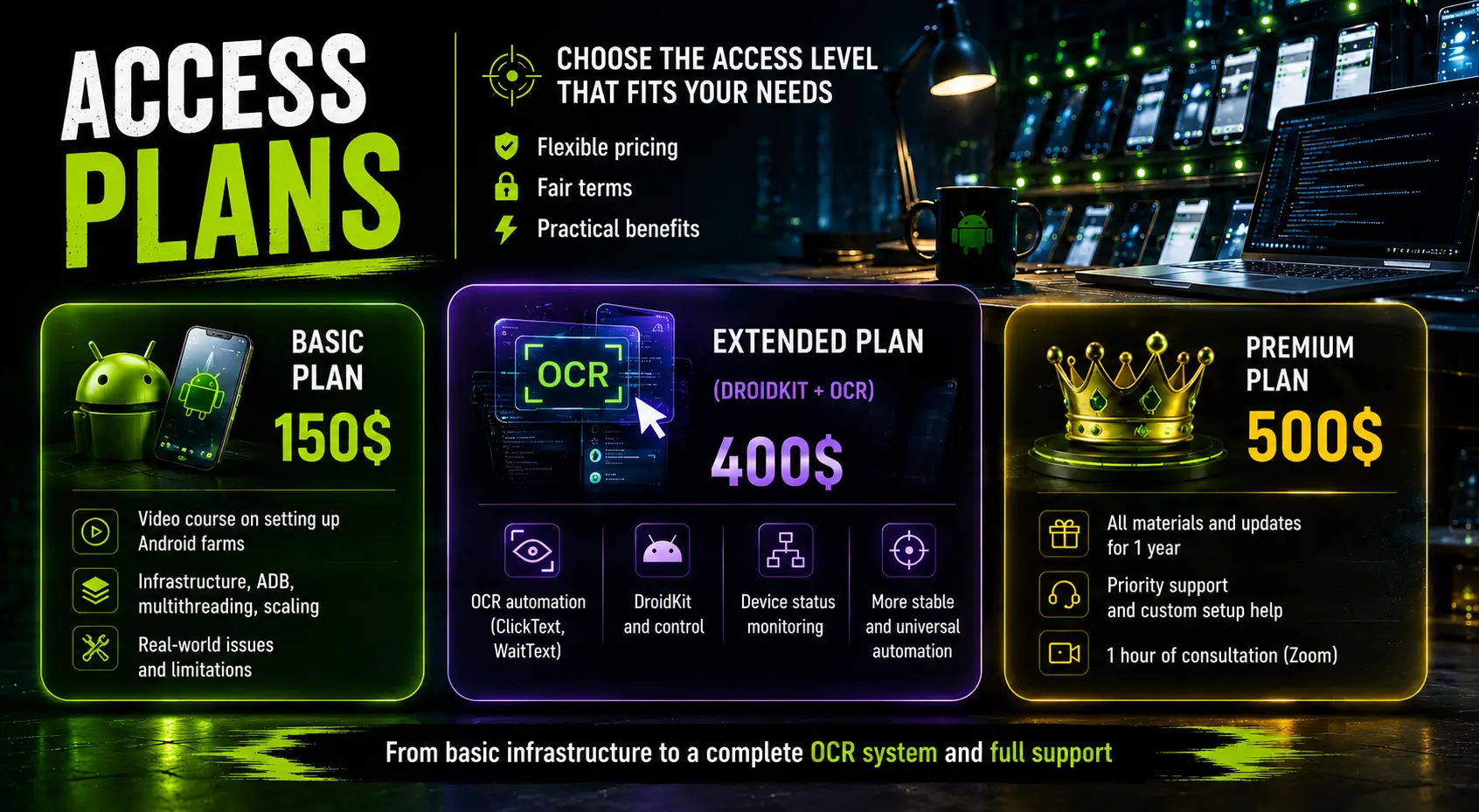
The system is divided into several access levels depending on how deeply you want to dive into Android farms, real devices, and automation.
A comprehensive video course on building and operating Android farms on real devices.
- device selection;
- farm organization;
- multithreading;
- ADB workflows;
- scaling strategies;
- infrastructure;
- real-world limitations and challenges.
Ideal for those who want to build a solid foundation for working with Android devices and avoid the most common mistakes when setting up a farm.
Includes everything from the Foundation Course, plus:
- OCR automation;
- DroidKit;
- ClickText;
- WaitText;
- screen-state driven automation;
- device control methods;
- a more universal automation framework.
Designed for those who want to reduce dependence on coordinates, image matching, and other fragile approaches to interacting with mobile interfaces.
The highest level of access.
- everything included in previous tiers;
- all updates for the next 12 months;
- new methods and future system improvements;
- priority support;
- setup assistance;
- 1-hour personal consultation call;
- if needed, I'll personally help with device selection, farm organization, DroidKit setup, OCR integration into your software, and troubleshooting.
DroidKit is no longer just an add-on to the course — it's a complete OCR automation system and a practical framework for working with real Android devices.
Support
You'll continue to receive support after purchase.
Support is available on all access levels — Premium simply includes deeper and more personal assistance.
In the Foundation Course and DroidKit Pro tiers, support is available:
- in text format;
- through voice messages.
Calls, consultations, and remote setup assistance are a separate support format, included in Premium or discussed individually.
FAQ
Which languages does the OCR work with?
At the moment, the main focus is on Latin-based text. That's why all phones are recommended to be switched to English.
Can I buy only DroidKit without the foundation course?
No.
DroidKit Pro is not sold as a separate "$250 add-on". DroidKit, OCR automation, and the technical part of the system are the core value of the extended access.
The foundation course on Android farm setup, ADB, and infrastructure is included as part of the package.
In practice, when you purchase DroidKit Pro, you receive both DroidKit and the full foundation course.
Do I need to know how to code?
Not necessarily. DroidKit was designed so that you can start using its methods even without deep programming knowledge. However, a basic understanding of automation logic will definitely help.
At the same time, DroidKit was built specifically to reduce development complexity, not increase it.
The basics of working with DroidKit and its key methods are explained and demonstrated in practice.
Do I need root access?
Not necessarily.
The course separately explains:
- where root access is actually useful;
- where its influence is greatly overestimated;
- and when it is not needed at all.
Can I use DroidKit with my own software?
Yes.
This is exactly what it was designed for. DroidKit is not tied to any specific programming language and can be used with almost any custom automation solution.
Is it suitable for ZennoPoster and ZennoDroid?
Yes.
DroidKit can be used as an additional OCR layer on top of your existing automation. To integrate it with ZennoPoster/ZennoDroid, you only need to connect a small C# class and call the ready-made DroidKit methods from your templates.
Will there be updates in the Foundation and DroidKit Pro tiers?
In Premium, system updates and new materials are guaranteed for the next 12 months.
Foundation Course and DroidKit Pro may also receive occasional updates, but updates are not guaranteed as part of these access levels.
Premium was created specifically as a long-term format with deeper support, system development, and regular addition of new methods and materials.
Is DroidKit protected?
Yes.
DroidKit uses its own licensing and access verification system.
The license is tied to the PC where the system is used, and both DroidKit and the Android application are not intended for unrestricted distribution without authorization.
The purpose of this protection is not to create inconvenience for legitimate users, but to support normal operation and further development of the project.
What if I already have my own Android farm?
In that case, the course may be even more useful. Many parts of it are not about the first few phones, but about the problems that appear later — during scaling and long-term operation.
Final Thoughts
This system was not created as just another generic "info course".
Its main purpose is to bring together in one place:
- practical experience in building Android farms on real devices;
- real automation problems that appear in production;
- an OCR-based approach that, in many practical scenarios, has proven to be more convenient, more stable, and more universal than traditional methods;
- tools that help make working with Android devices more stable, manageable, and efficient.
The main idea behind the entire system is not to make automation even more complicated, but to make it more manageable, stable, and scalable.
If you've been wanting to build a more stable, scalable, and controllable system for working with Android devices, this material can help you save a significant amount of time, avoid costly mistakes, and reduce unnecessary complexity in the future.
Choose the access level that fits your needs and start working with Android devices on a completely different level.